Verified identity
Pass the same userId and userHash as on the web, and signed-in users link to their contact.
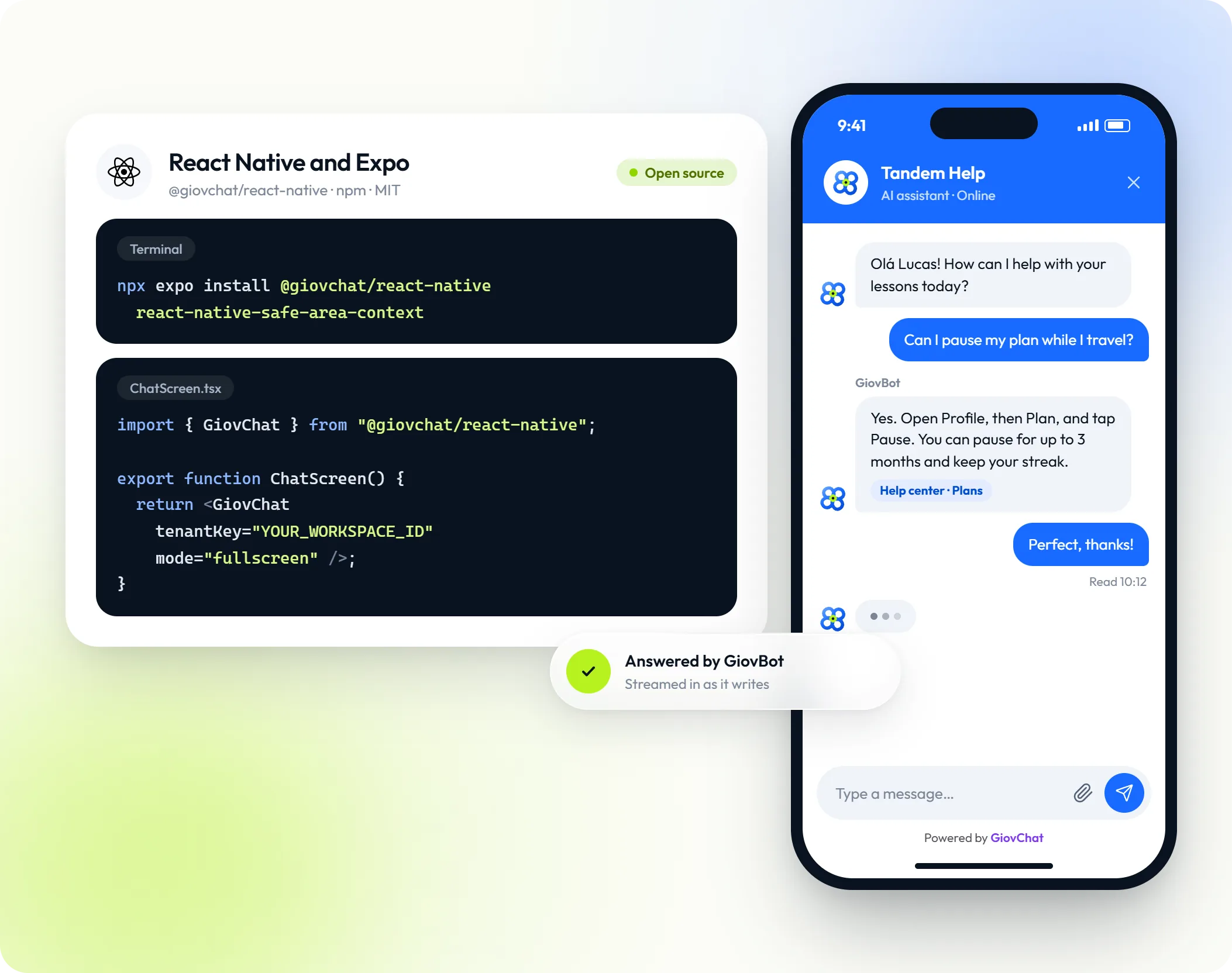
Give your iOS, Android, React Native or Flutter app a native chat screen in a few lines. Every message lands in the shared inbox with your website chat.
One npm package with no native modules. Show the chat as a modal or a full screen.
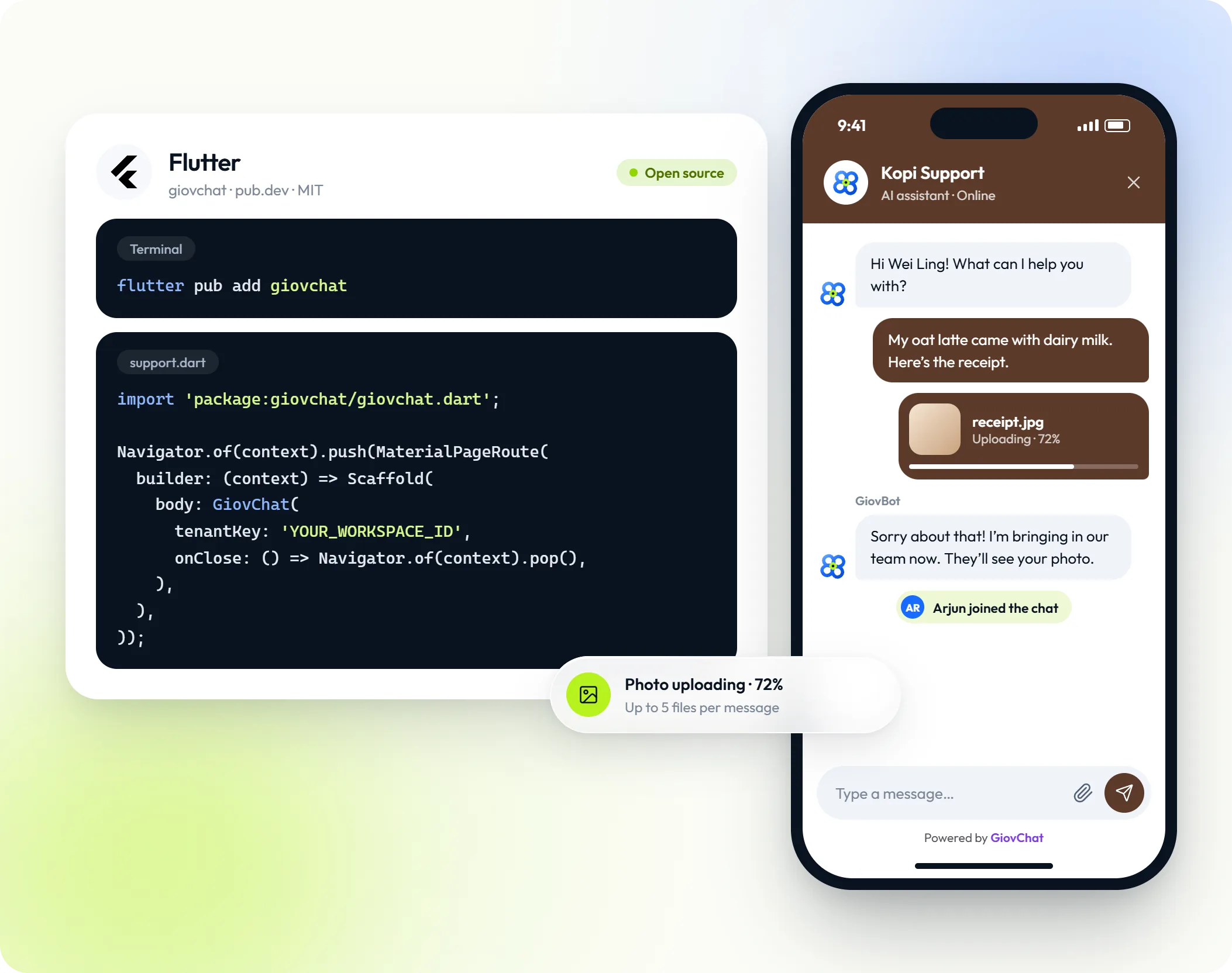
A ready-made chat widget for any route, sheet or tab. Pickers and storage use the plugins you already have.
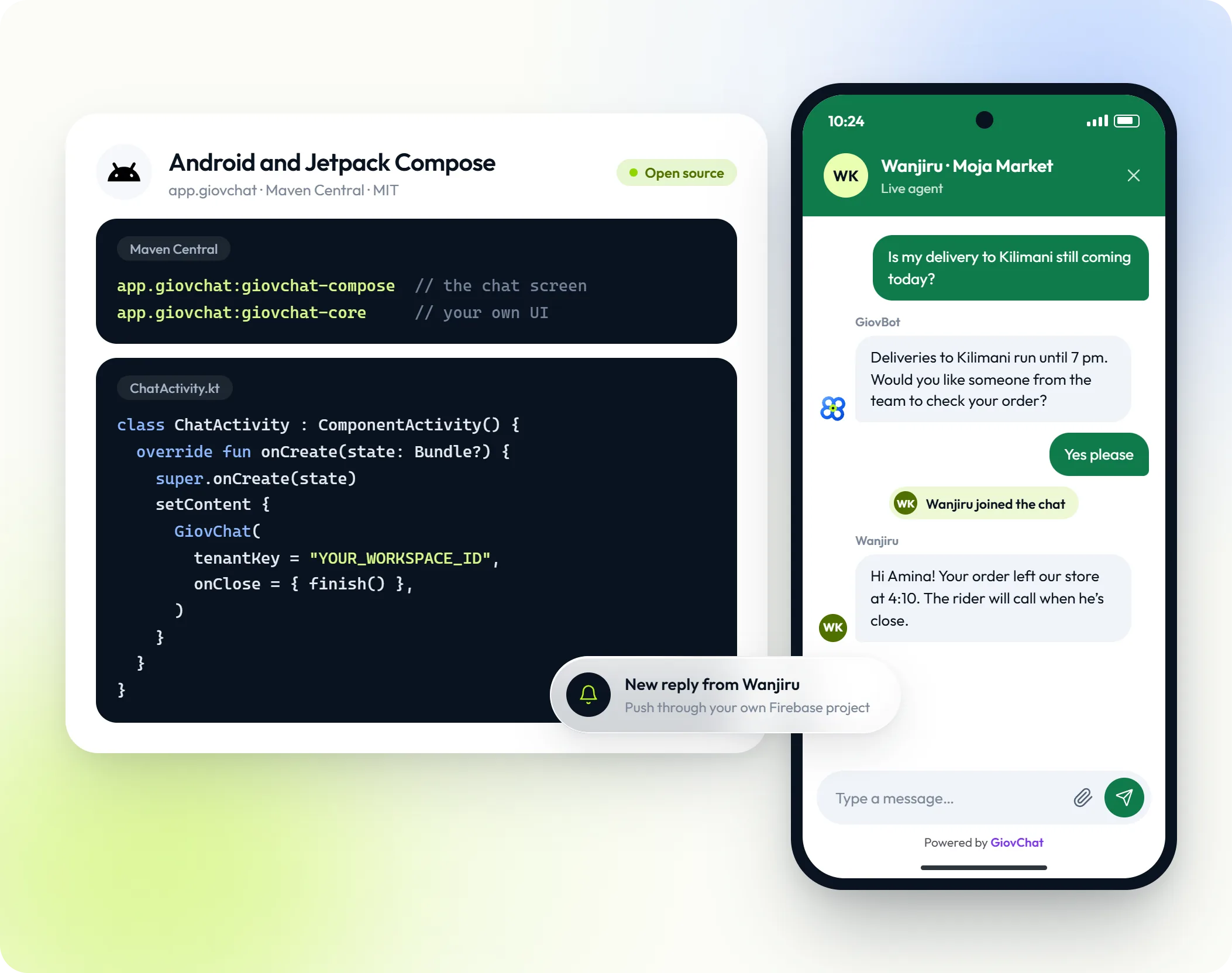
A Compose chat screen for an Activity, a Fragment, a navigation destination or a bottom sheet.
A Swift package with a SwiftUI sheet or full screen, and no third-party dependencies.
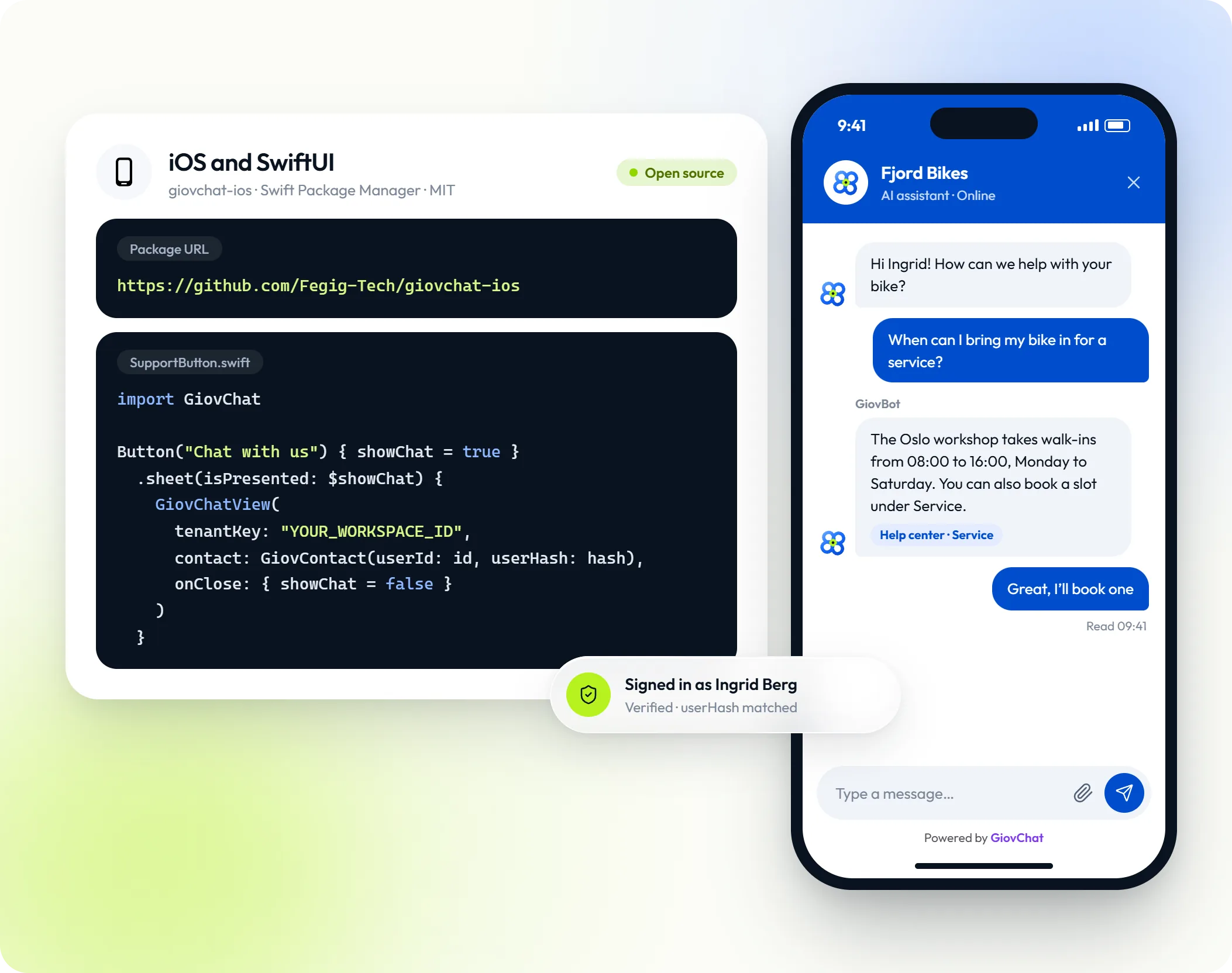
Pass the same userId and userHash as on the web, and signed-in users link to their contact.
Replies reach the device while the chat is closed, sent with your own Apple and Firebase keys.
Visitors send photos and files with upload progress, within the rules your GiovBot agent sets.
From npm, pub.dev, Maven Central or Swift Package Manager.
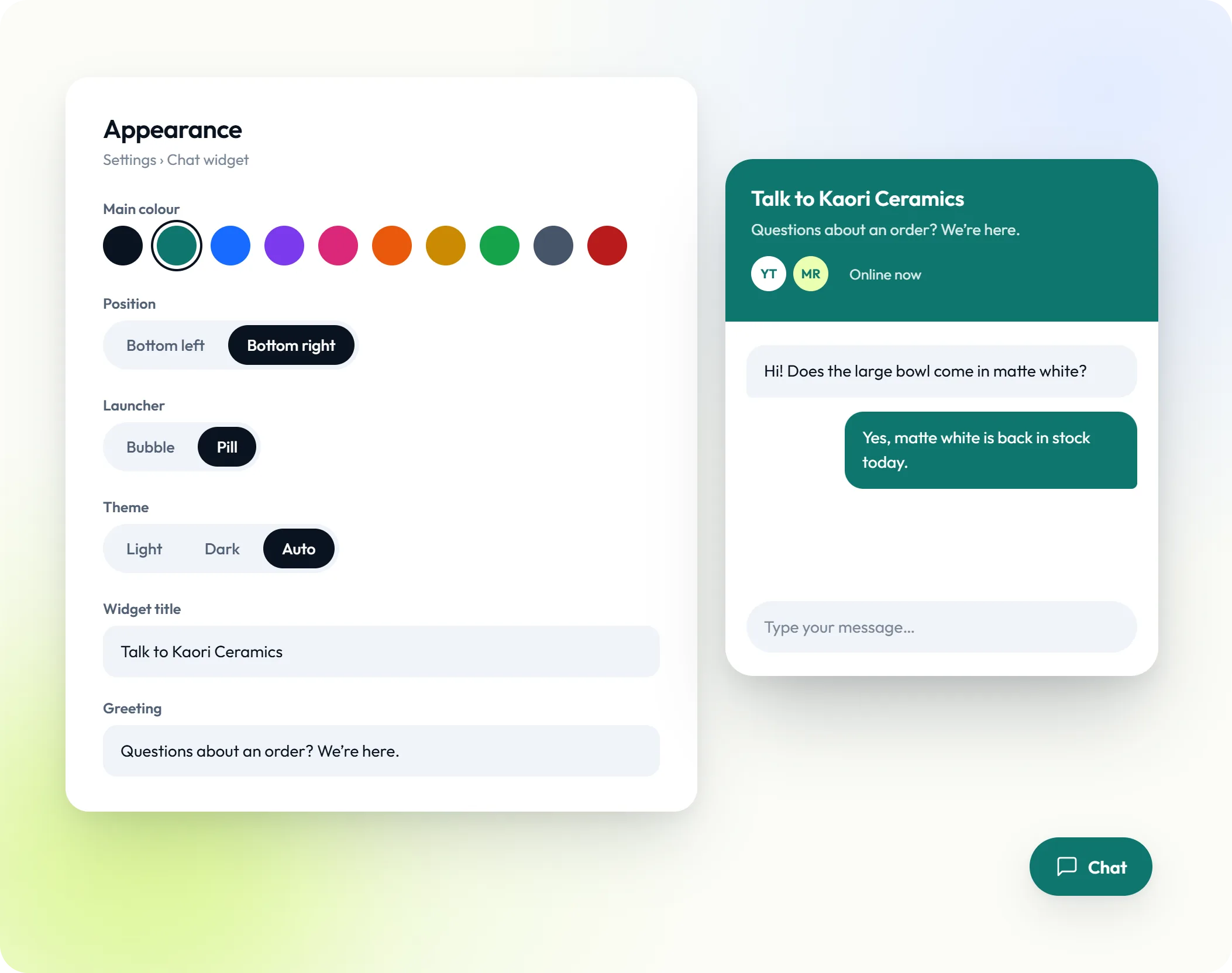
Colours, greeting and pre-chat fields come from your dashboard settings.
Pass the userId and the userHash your server computes, so chats link to the right contact.
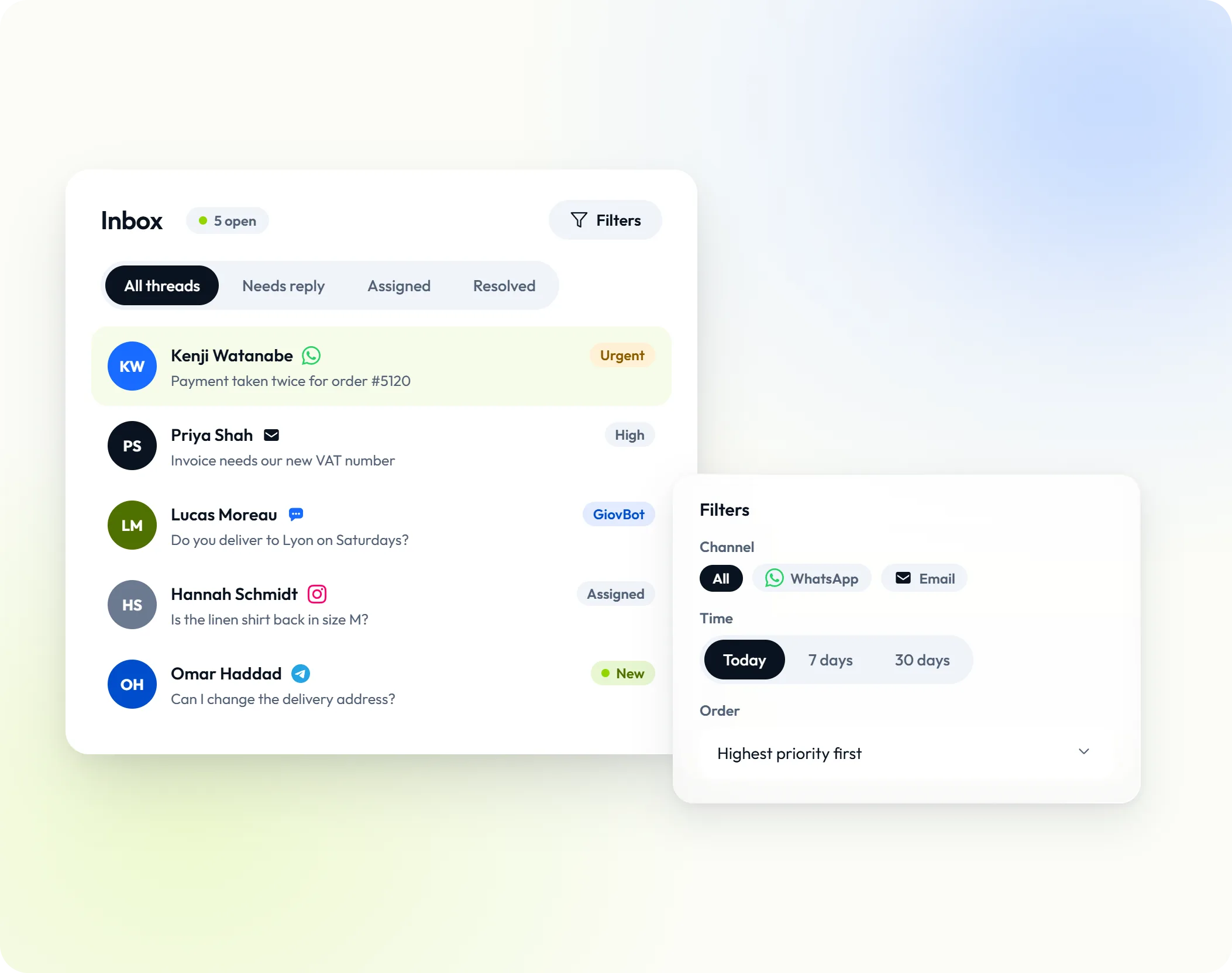
GiovBot and your team reply from the same inbox as your website chat.
No. Each SDK draws a native screen: SwiftUI on iOS, Jetpack Compose on Android, and React Native and Flutter components in those apps.
The SDKs work on every plan, including the free Starter plan. GiovBot is included from Pro, and Starter can add it for $15 a month.
Yes, on Business and Advanced, from Settings, Chat widget, Appearance. Starter and Pro always show it. Your font and colours apply to it, as long as the text stays readable.
Add your Apple push key or Firebase service account in Settings, Chat widget, then register each device token with the SDK. Replies that arrive while the chat is closed reach the device.
Yes. All four are MIT-licensed with their source on GitHub: React Native on npm, Flutter on pub.dev, Android on Maven Central and iOS through Swift Package Manager.
Install the SDK, add your workspace ID and answer from the inbox you already use.
The mobile SDKs work on every plan. Starter is free with 20 active chats and one operator. Pro covers 300 active chats and 10 operators, Business 1,000 and 30, Advanced 1,000 and 70. GiovBot is included on Pro, Business and Advanced, and Starter can add it for $15 a month. Removing the Powered by GiovChat footer needs Business or Advanced. Push notifications use your own Apple and Firebase credentials.